


Toggle in one tap
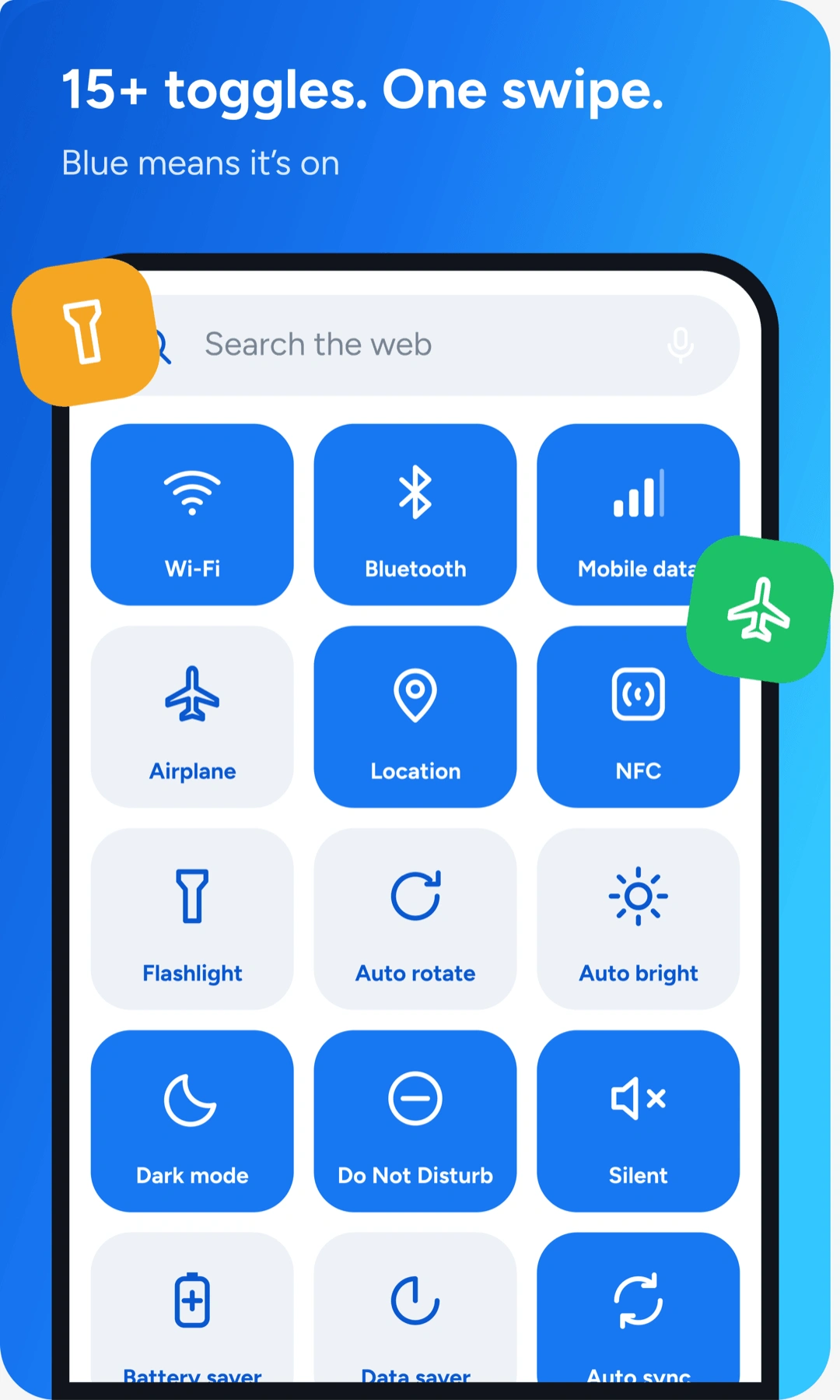
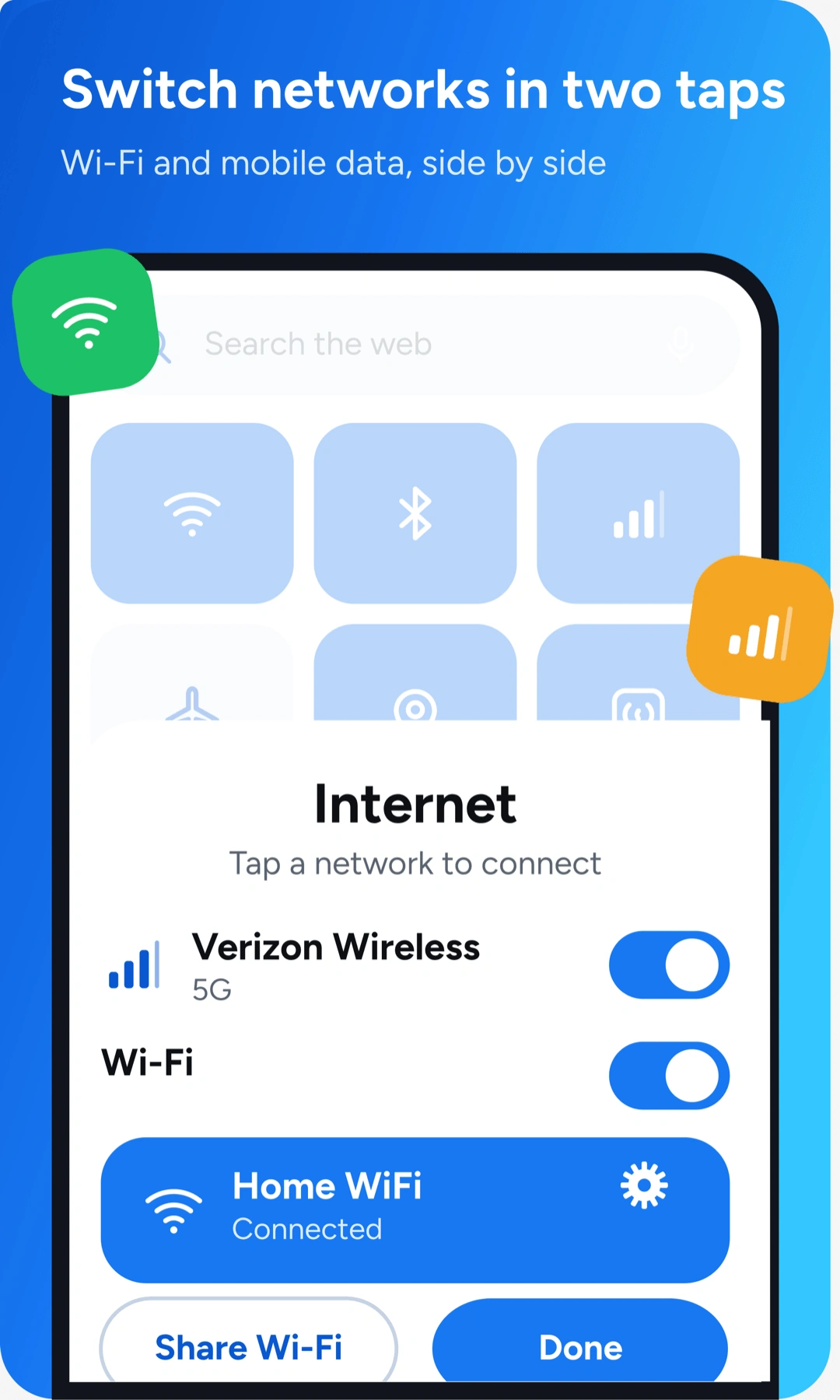
Wi-Fi, Bluetooth, data, location, NFC, dark mode and more. Blue means it's on.
FREE on Google Play
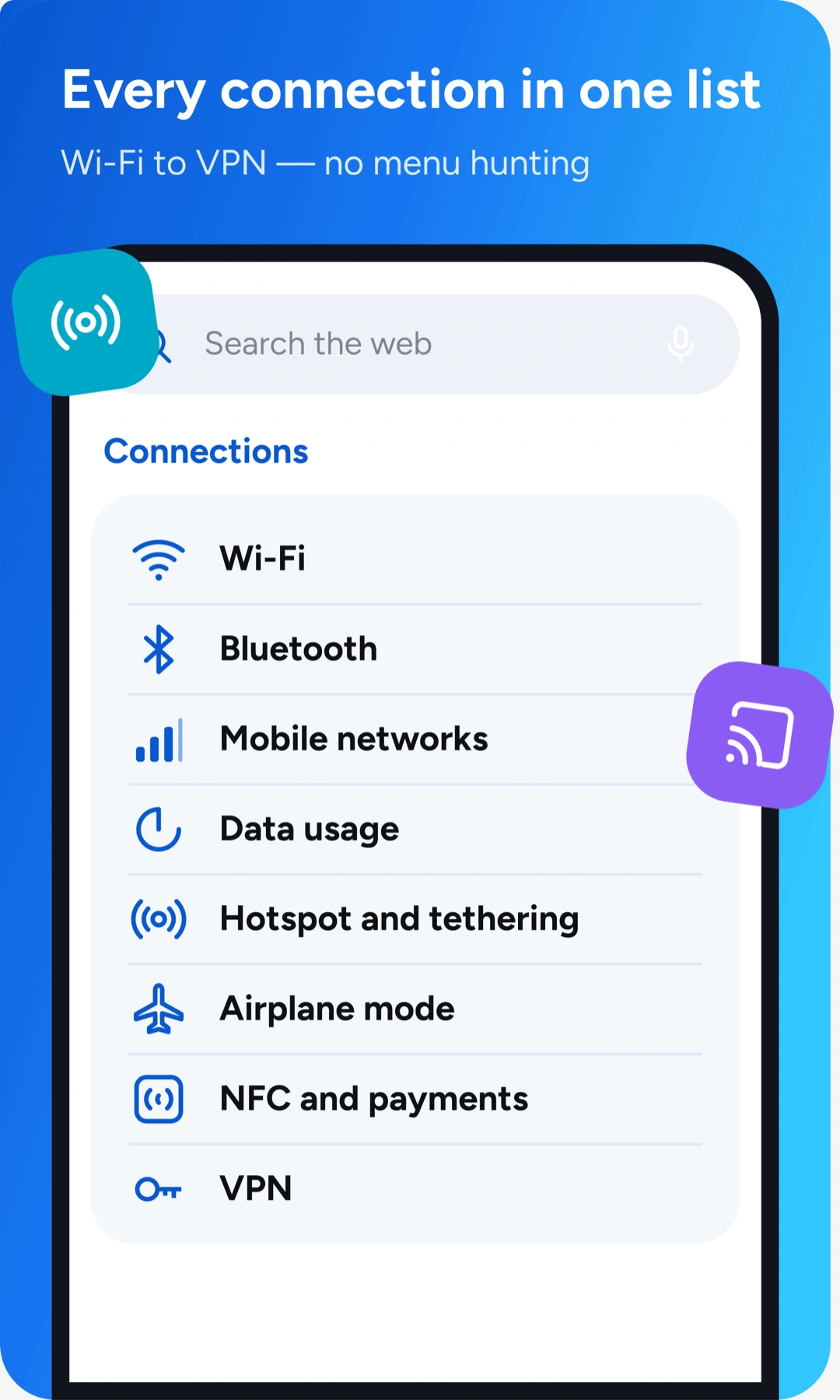
Settings Home puts Wi-Fi, brightness, volume, storage and 20+ other controls on a single screen — right next to your home screen. Tap it. Done.
 Search the web
 Wi-Fi
Wi-Fi Bluetooth
 Data
Data Airplane
 Location
 Flashlight
Battery
Storage
Memory
Wi-Fi, Bluetooth, data, location, NFC, dark mode and more. Blue means it's on.

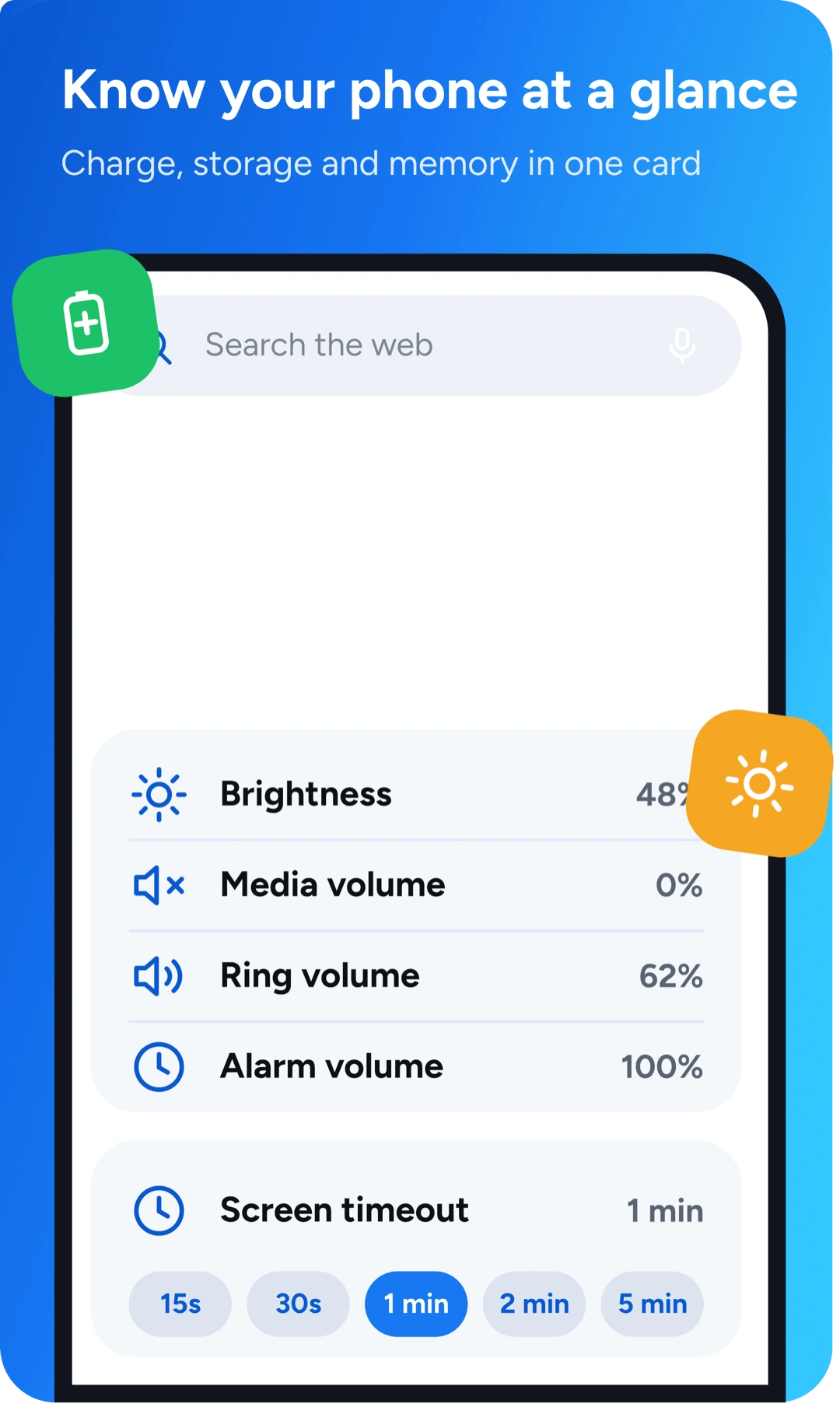
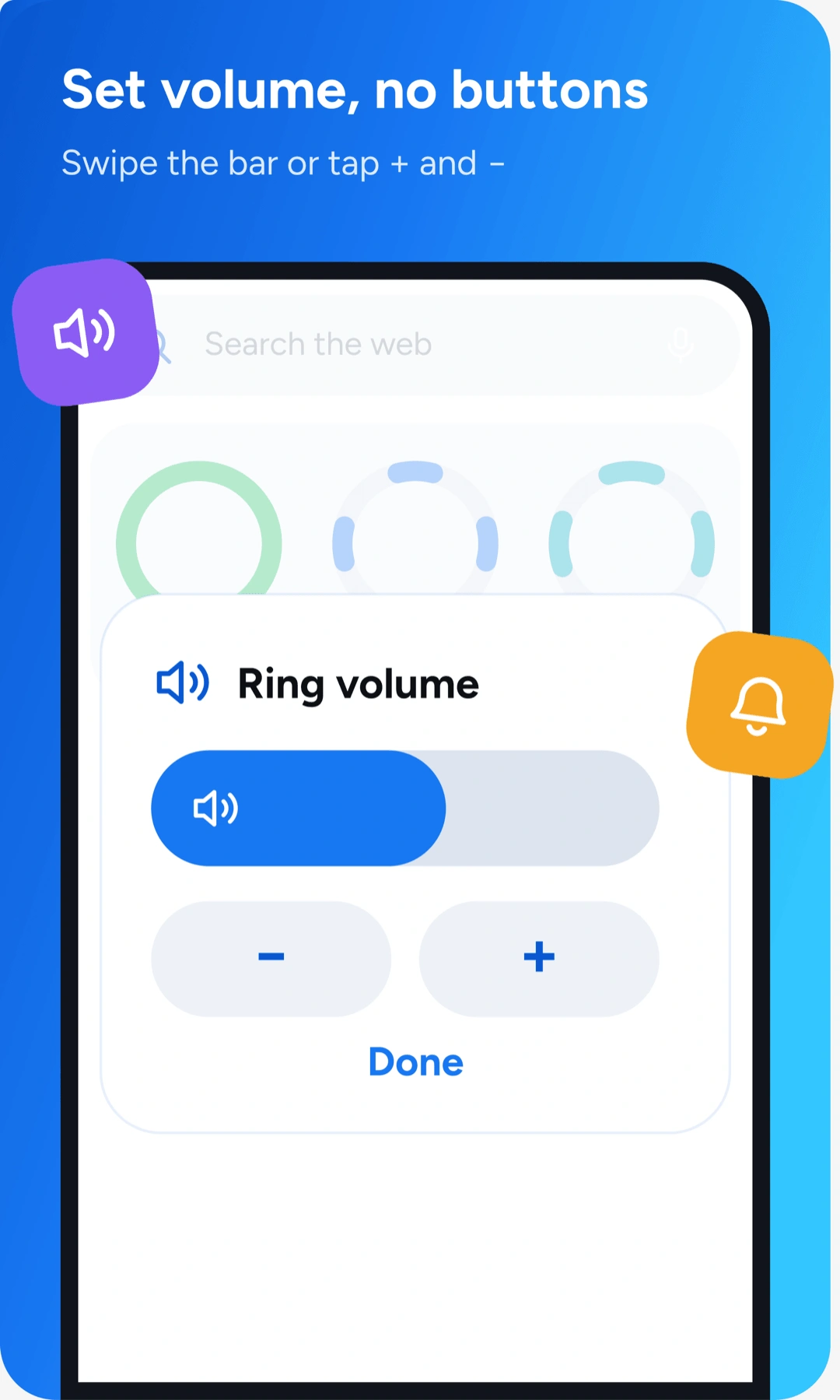
Brightness, media, ring and alarm volume on one bar. Tap + or − for fine control.

Charge, storage and memory as live rings — spot a problem before it slows you down.

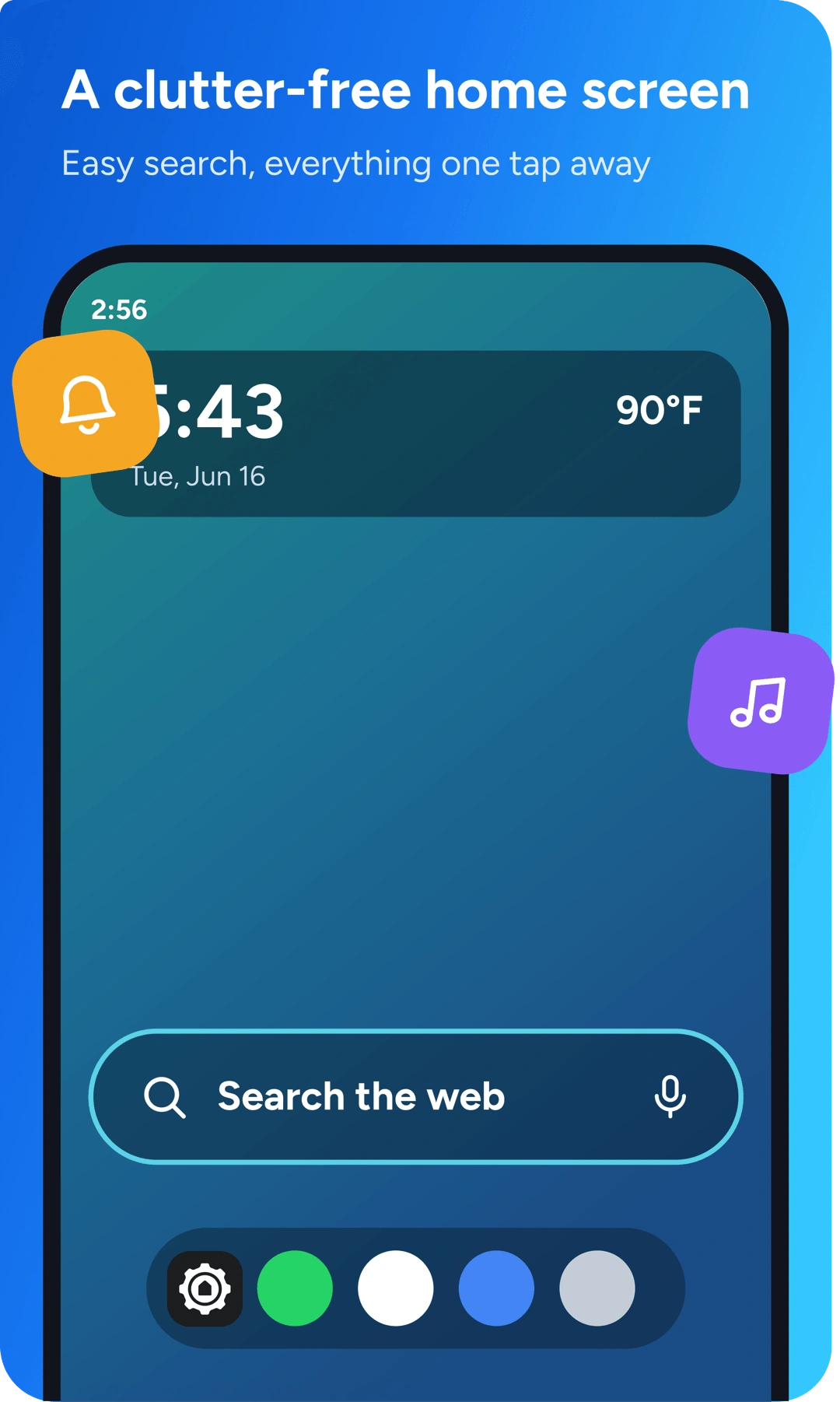
A clean layout with search up front — your apps and controls stay one tap away.
Everything Settings Home puts one swipe away — straight from the app.
Free. Set it as your launcher in 30 seconds.
